Power adapter wattage determines how much power a device can safely draw; higher wattage gives more headroom.
I’ve spent years testing chargers and repairing devices, so I’ll walk you through power adapter wattage differences explained in plain language. This guide shows what wattage means, why it matters, how to choose the right adapter, and real examples from my work. Read on and you’ll feel confident matching adapters to devices and avoiding common mistakes.

What wattage means and the basics of power adapter wattage differences explained
Wattage is simply volts times amps. A charger labeled 20V at 2A delivers 40 watts. Wattage tells you the maximum power the adapter can supply without overloading.
Voltage is the pressure that pushes current. Current (amps) is the flow of electricity. Wattage is the product of those two. Knowing these basics makes it easier to compare adapters and devices.
- Watt (W) — measure of power available.
- Volt (V) — electrical pressure; must match device requirements.
- Ampere (A) — current draw; device draws what it needs up to adapter limit.
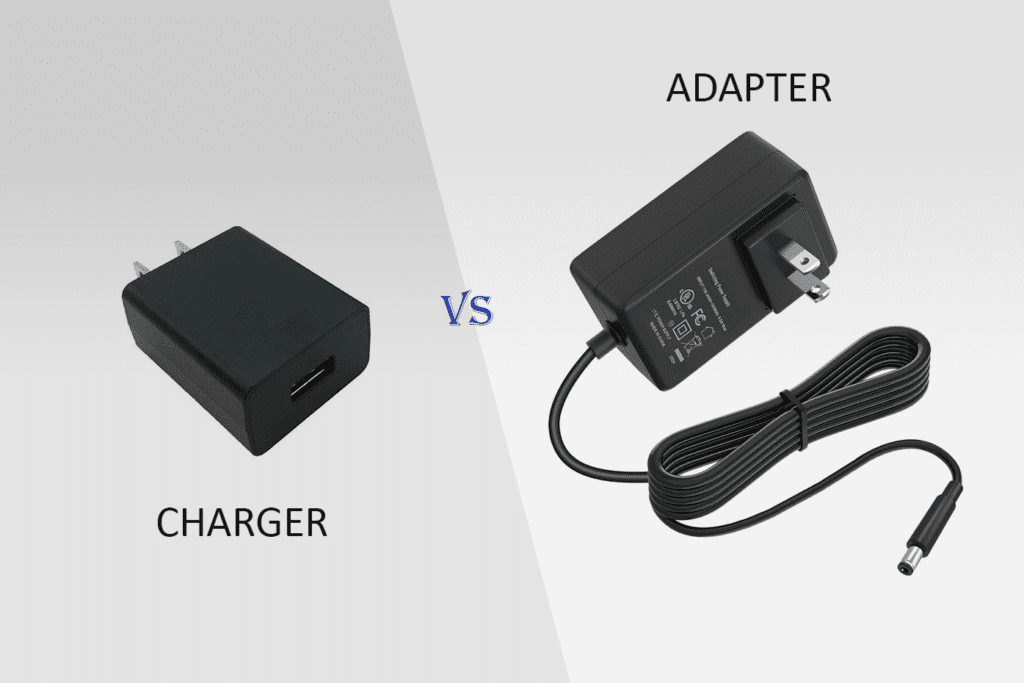
Understanding power adapter wattage differences explained helps you avoid underpowered setups and reduce heat or damage risks. When voltage matches, higher wattage adapters usually work fine, but mismatched voltage can harm devices.
Why wattage differences matter for devices
Devices list their required voltage and typical wattage or amps. If an adapter can’t supply enough wattage, the device may run poorly, charge slowly, or not work. If the adapter is too weak, it may overheat or fail.
Using an adapter with higher wattage gives headroom. Headroom helps with spikes when the device boots or under heavy load. But higher wattage will not force more power into the device when voltage is correct.
Power adapter wattage differences explained also affects battery charging speed and device longevity. A weak adapter can stress both the adapter and the device battery over time. Proper matching improves performance and cuts down heat.
How to choose the right adapter: step-by-step
Follow these simple steps to pick an adapter that fits.
- Check the device voltage: Match it exactly to the adapter’s voltage rating.
- Check the device current or wattage need: Choose an adapter with equal or higher wattage.
- Confirm connector type and polarity: Fit matters as much as power.
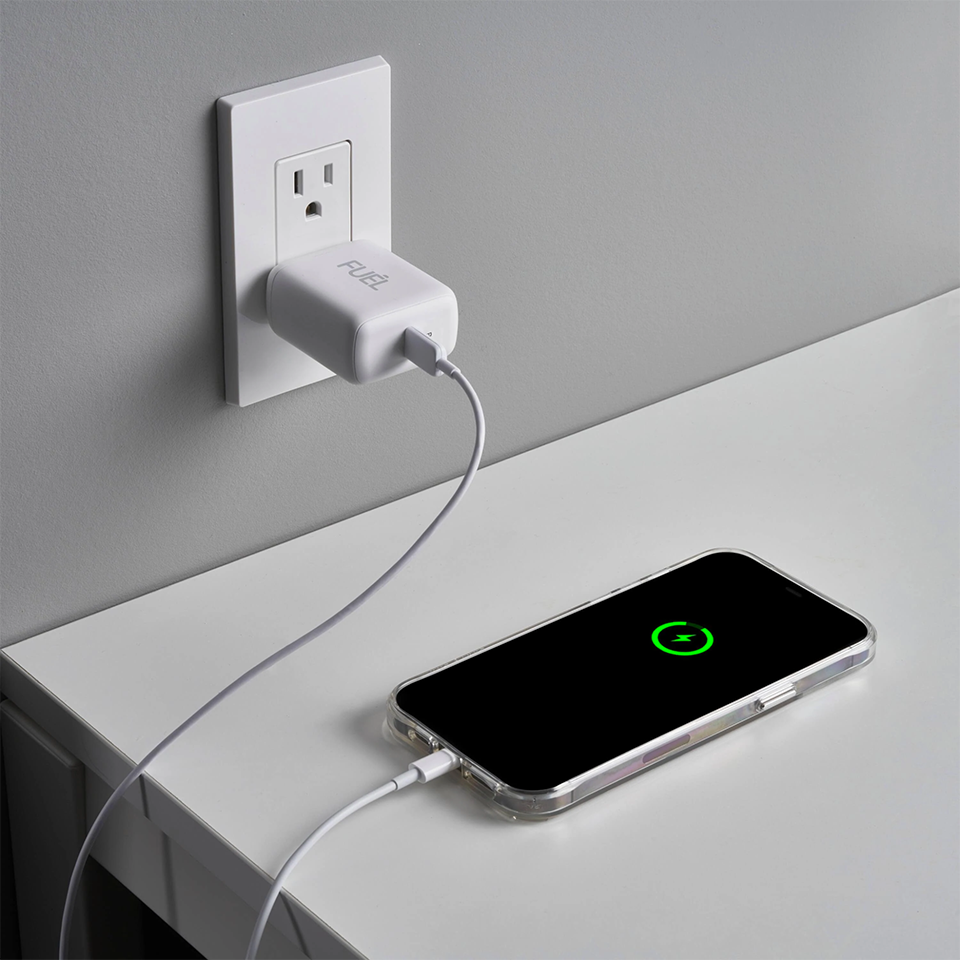
- Look for smart charging protocols: USB Power Delivery and other standards negotiate safe voltage and current.
- Prefer certified adapters: Safety marks and reputable brands reduce risk.
If a device needs 45 watts, a 65-watt adapter is fine if voltage matches. Avoid using adapters with lower wattage than the device needs. This simple rule is a core part of power adapter wattage differences explained.
Risks of using the wrong wattage
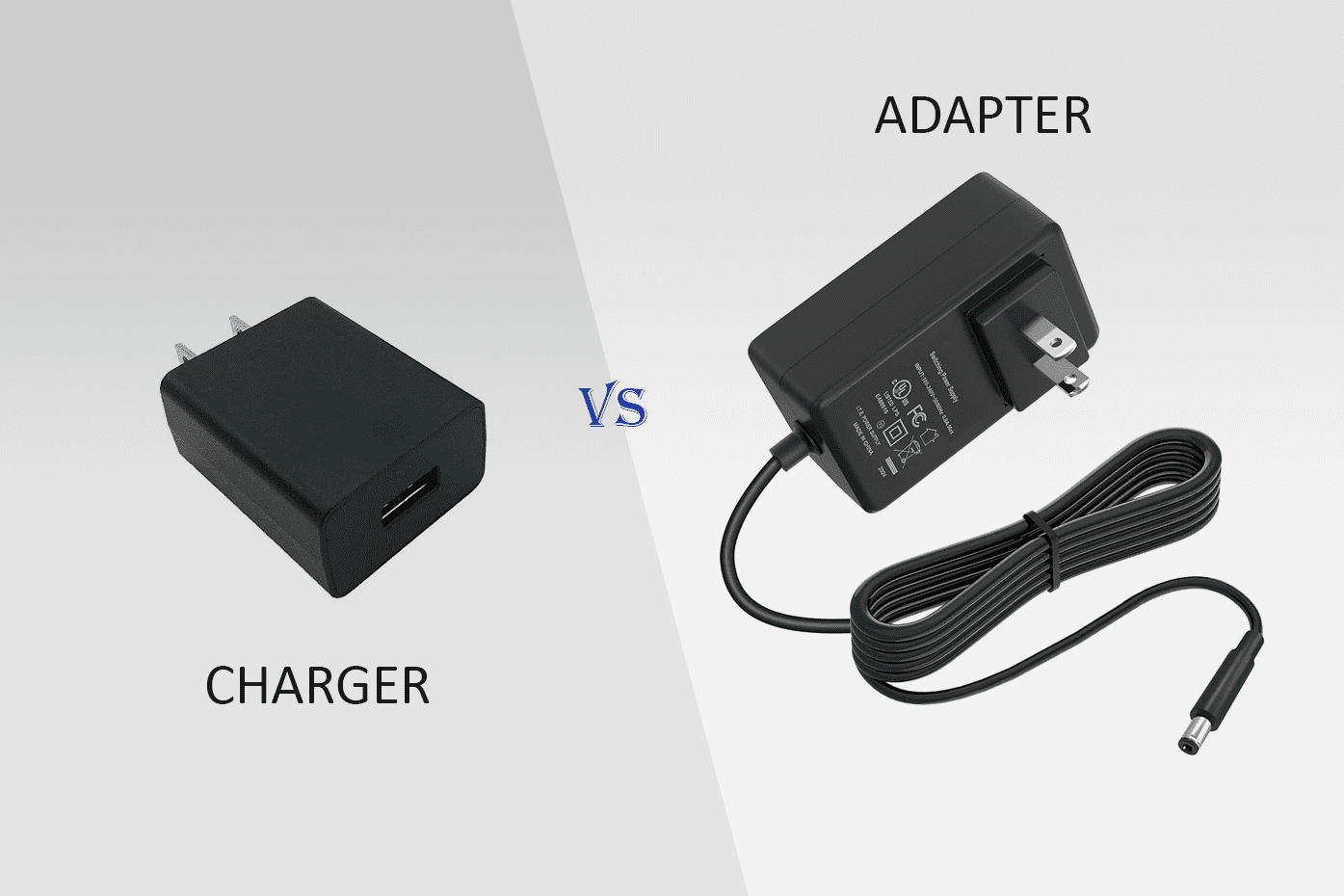
Using the wrong adapter can create several problems. Here’s what to watch for.
- Adapter wattage too low — Device may not power on, may throttle performance, or the adapter may overheat.
- Adapter wattage too high — Usually safe if voltage and protocol match, but cheap adapters may not regulate well.
- Voltage mismatch — This can cause immediate damage to electronic components or void warranties.
- Poor regulation — Some adapters deliver nominal wattage but poor quality leads to unstable output and device issues.
I once used an under-rated charger on a laptop during a presentation. The laptop throttled and shut down. That taught me to check wattage and always carry a proper spare.
Real-world examples and scenarios
Seeing examples makes theory practical. Here are common cases I encounter in repairs and testing.
- Laptop chargers — A 65W laptop can often run on a 90W adapter that matches voltage and connector. A 45W adapter likely won’t keep the laptop charged under heavy use.
- Phone chargers — Phones negotiate voltage with smart chargers. A 30W phone can use a 45W PD charger safely. The phone draws only what it needs.
- Monitors and peripherals — USB-powered monitors need the full wattage they list. Underrating causes flicker or failure.
- Older equipment — Legacy devices without smart negotiation require exact voltages and proper wattage from the outset.
These scenarios highlight why power adapter wattage differences explained matters in everyday life. When traveling, I pack a compact 65W GaN charger that covers my phone, tablet, and laptop safely.

Troubleshooting common wattage problems
If a device won’t charge or runs hot, try these steps.
- Confirm voltage and connector match the device label.
- Swap in a known-good adapter with equal or higher wattage.
- Check for error messages from the device about charging.
- Use a multimeter to verify adapter output when safe.
- Replace very cheap adapters; low-quality units often misreport wattage.
In my testing lab, a multimeter and a known-good 60W adapter solved more issues than any software fix. Simple checks catch most wattage-related faults.

Buying tips and features to look for
Choosing the right adapter is easier when you know what matters. Look for these features.
- USB Power Delivery support — ensures safe negotiation for phones, tablets, and laptops.
- GaN technology — smaller size, cooler running, and efficient.
- Correct connector and polarization — match the device plug exactly.
- Safety certifications — UL, CE, or regional marks reduce risk.
- Manufacturer documentation — clear voltage and wattage specs help match parts.
When buying, I prefer slightly higher wattage from reputable brands. That approach solved device dropouts during heavy use and extended adapter life.
Personal experience: lessons learned
I’ve repaired hundreds of chargers and devices. A few practical lessons stand out.
- Always match voltage first. One wrong voltage ruined a board early in my career.
- Higher wattage adapters are handy, but only when the device negotiates correctly.
- Cheap adapters can overstate wattage. I test suspect units before relying on them.
- Keep an OEM or certified spare for critical gear.
These experiences shaped my approach to power adapter wattage differences explained. Practical testing and careful matching prevent most problems.
Related concepts to understand
Knowing related terms makes decisions simpler.
- Power delivery protocols — USB PD, Quick Charge, and similar standards manage voltage and current safely.
- Efficiency — Higher efficiency means less heat and wasted energy.
- Thermal design — Adapters that run cool usually last longer.
- Connector types — Barrel plugs, USB-C, and proprietary connectors each have rules to follow.
Seeing these concepts together gives a full picture of power adapter wattage differences explained and how to use adapters safely.
Frequently Asked Questions of power adapter wattage differences explained
What happens if I use a higher wattage adapter?
Using a higher wattage adapter is usually safe when voltage and connector match. Your device will draw only the power it needs, provided the charger negotiates correctly.
Can a lower wattage adapter damage my device?
A lower wattage adapter will usually cause the device to underperform or the adapter to overheat. It rarely damages modern devices directly, but it can shorten adapter life and cause instability.
Do I need to worry about volts or watts more?
Voltage must match exactly; watts are the maximum capacity. If the voltage is wrong, devices can be damaged regardless of wattage.
Are all USB-C chargers the same?
No. USB-C chargers can support different power profiles and protocols. Check for USB Power Delivery or the specific protocol your device needs.
How do I read adapter labels to find wattage?
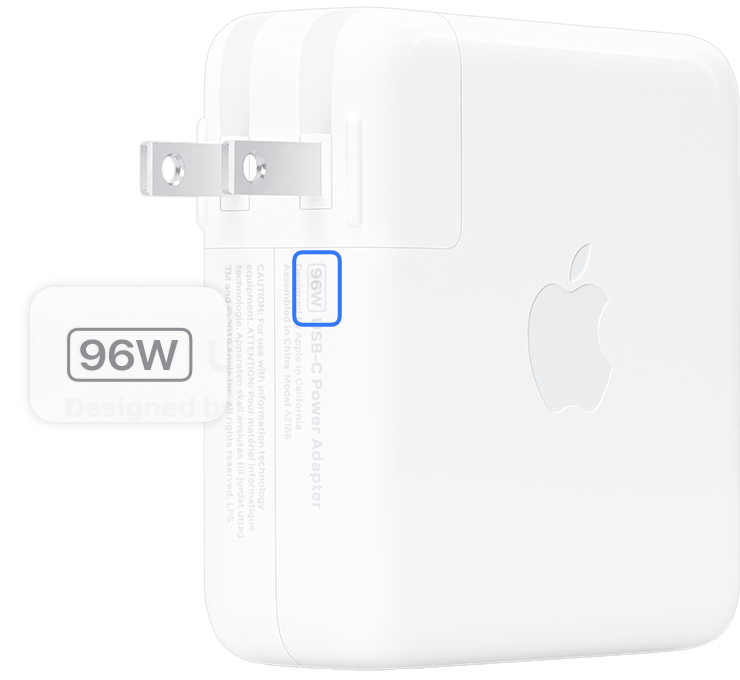
Multiply volts by amps listed on the adapter (V × A = W). Some adapters directly list wattage, and some state multiple outputs; use the relevant port rating.
Is it okay to use third-party adapters?
Yes, if they are certified and meet the device’s voltage and wattage needs. Avoid very cheap, uncertified units due to safety and reliability concerns.
Conclusion
Power adapter wattage differences explained boils down to three clear rules: match voltage, meet or exceed wattage, and use compatible connectors and protocols. These steps keep devices running well and extend the life of both chargers and gadgets. Start by checking your device label, choosing a trusted adapter, and carrying a certified spare for trips. Try matching adapters the next time you upgrade gear, and leave a comment with your adapter questions or experiences.