Laptop stand vs monitor riser: choose the tool that fits your screen, posture, and workflow.
I’ve spent years setting up home offices and testing gear, so I know the real differences between a laptop stand vs monitor riser. This article breaks down what each does, who benefits most, and how to pick the right one for your desk, posture, and daily work habits. Read on for clear, practical guidance and hands-on tips to make a smarter purchase.
Why compare a laptop stand vs monitor riser?
Comparing a laptop stand vs monitor riser helps you match ergonomics to real needs. Both lift screens to eye level, but they solve different problems. A laptop stand raises and angles a laptop for better typing and viewing, while a monitor riser elevates external screens and creates desk storage. Knowing the difference saves money and improves comfort.

What is a laptop stand and what is a monitor riser?
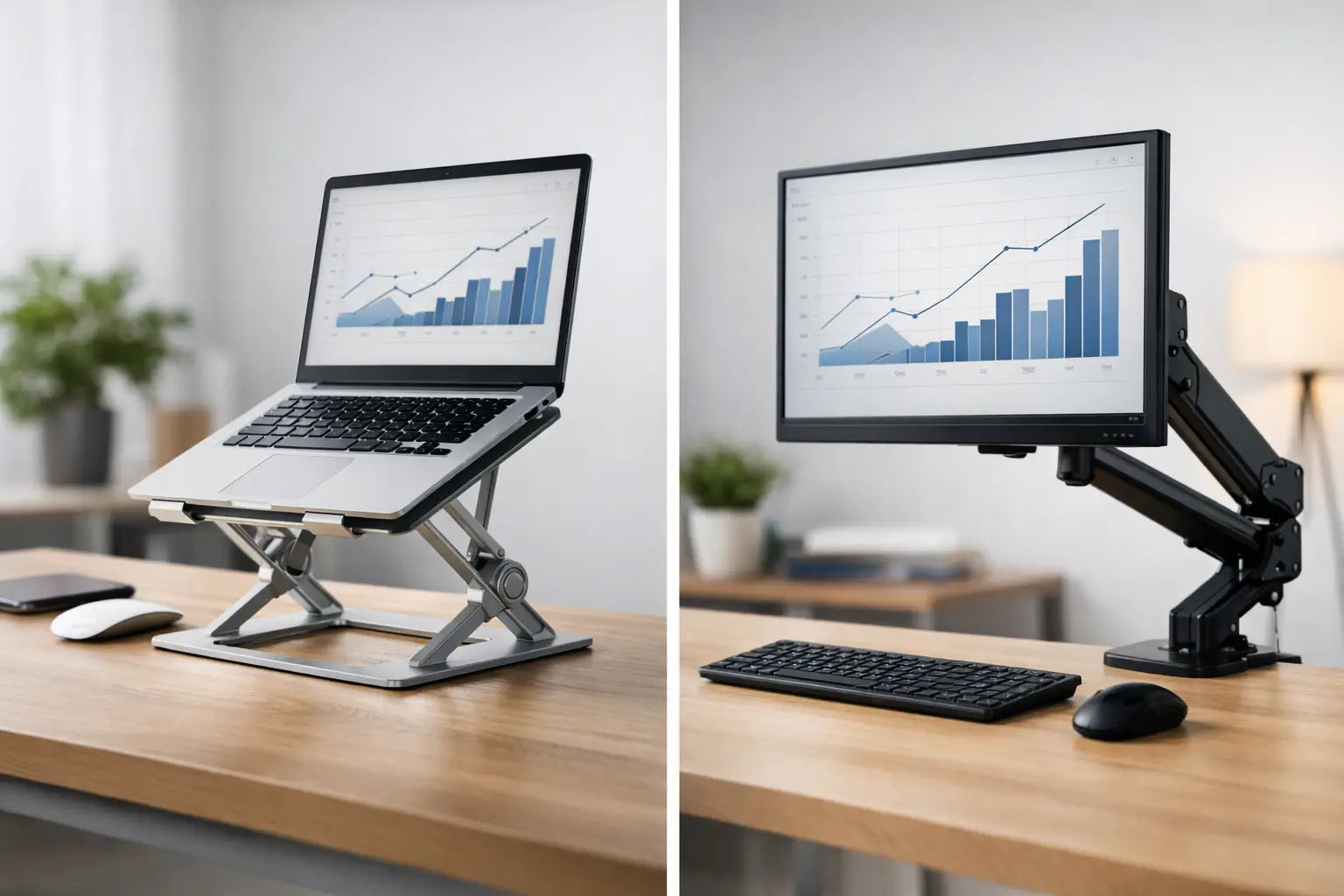
A laptop stand is a device that lifts a laptop screen and tilts it for better viewing. Many laptop stands also allow heat to escape and can fold for travel. Laptop stands are often lightweight and designed for the laptop’s thin body.
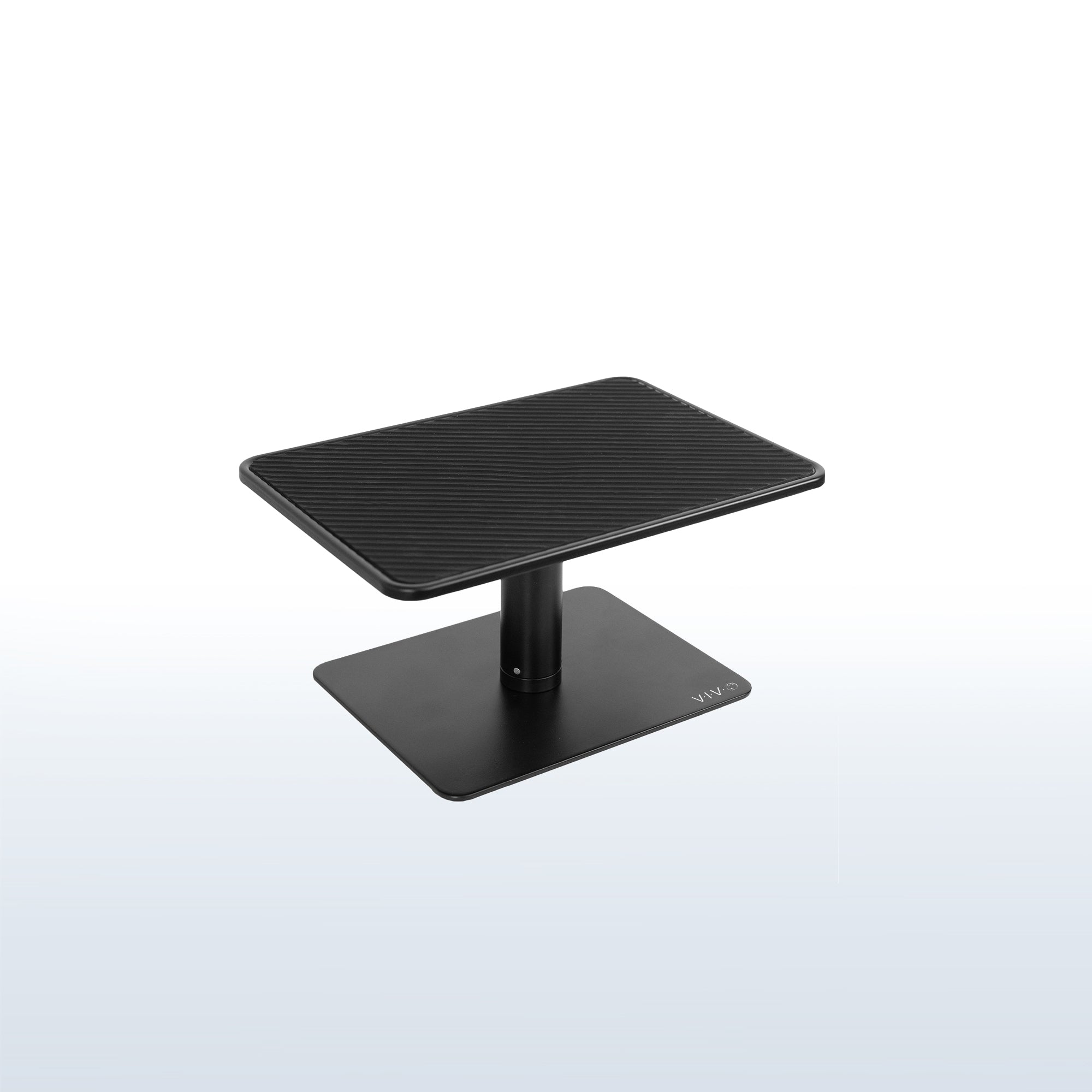
A monitor riser is usually a platform or short stand that raises an external monitor to eye level. Monitor risers can be simple blocks, adjustable stands, or desktop shelves that add storage space under the screen. They are built for larger, heavier displays and stable support.
Ergonomics, posture, and health
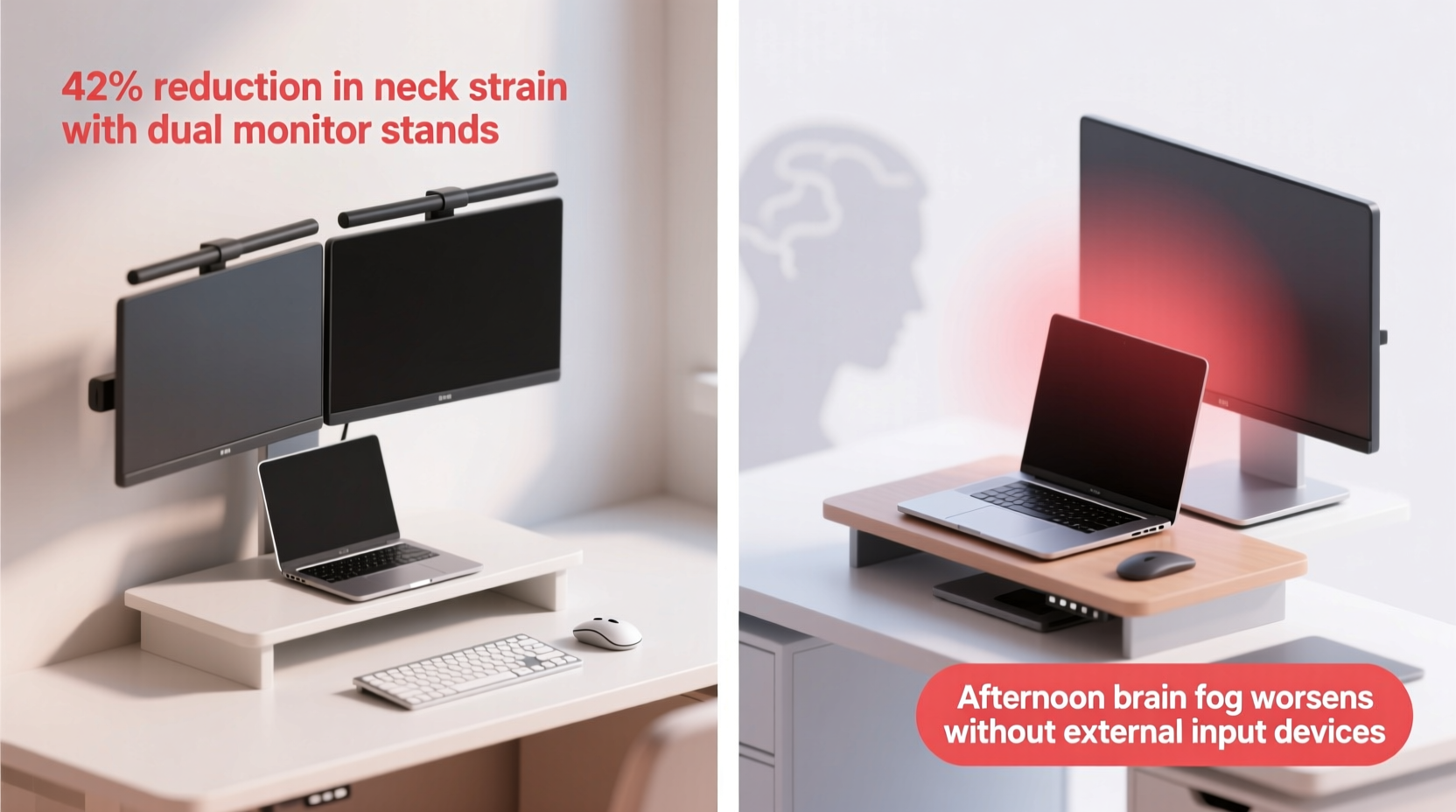
Good posture starts with the top of the screen at eye level. If you use a laptop as your main screen, a laptop stand can bring the screen up and reduce neck strain. If you use a desktop monitor, a monitor riser aligns the monitor with your eyes and keeps shoulders relaxed.
Typing comfort matters too. Laptop stands often force you to pair a laptop with an external keyboard. That combo protects wrists and keeps elbows at 90 degrees. Monitor risers keep your keyboard at desk level, so you can use a full-sized keyboard and mouse without changing typing angle.
Research shows that small ergonomic changes reduce back and neck pain over time. If you mostly sit, raise the screen first, then adjust chair and keyboard. If you stand often, combine a riser with a standing desk converter for best results.
Use cases and setup scenarios
Remote worker using a laptop only
- Use a laptop stand with an external keyboard and mouse for long sessions.
- Add a monitor riser only if you attach a second monitor.
Hybrid laptop + external monitor
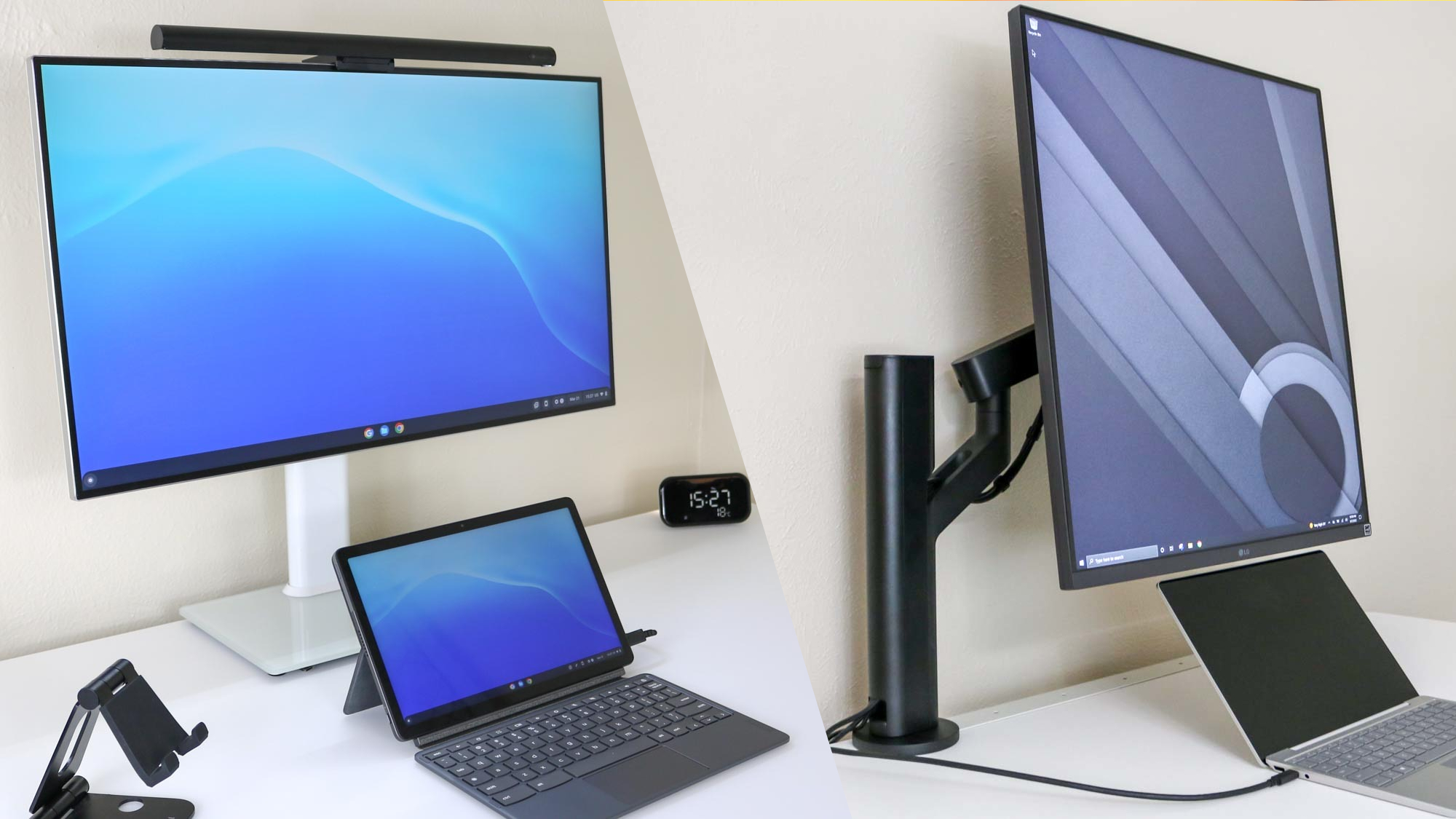
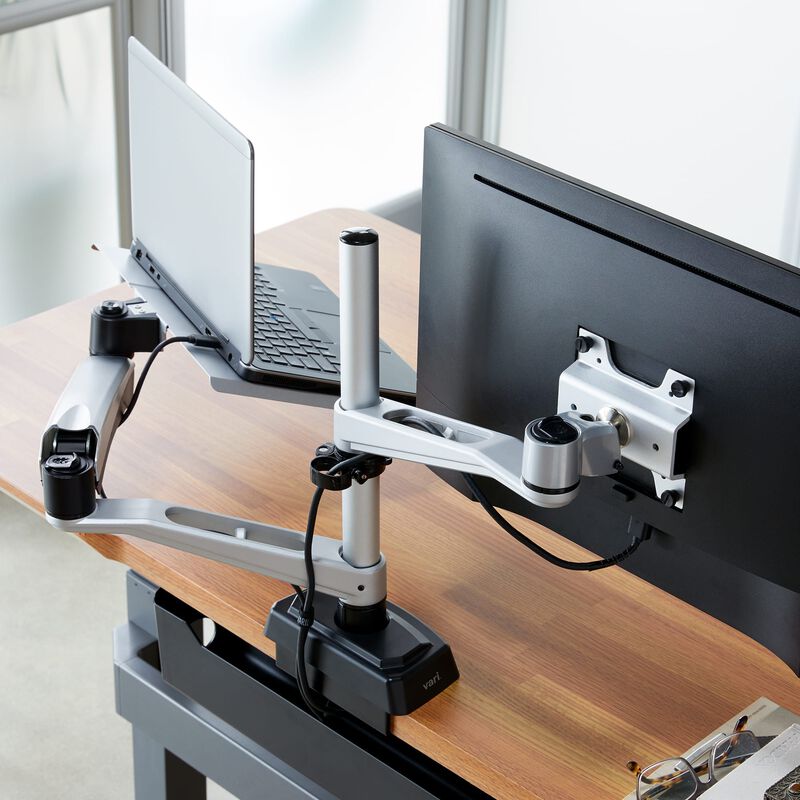
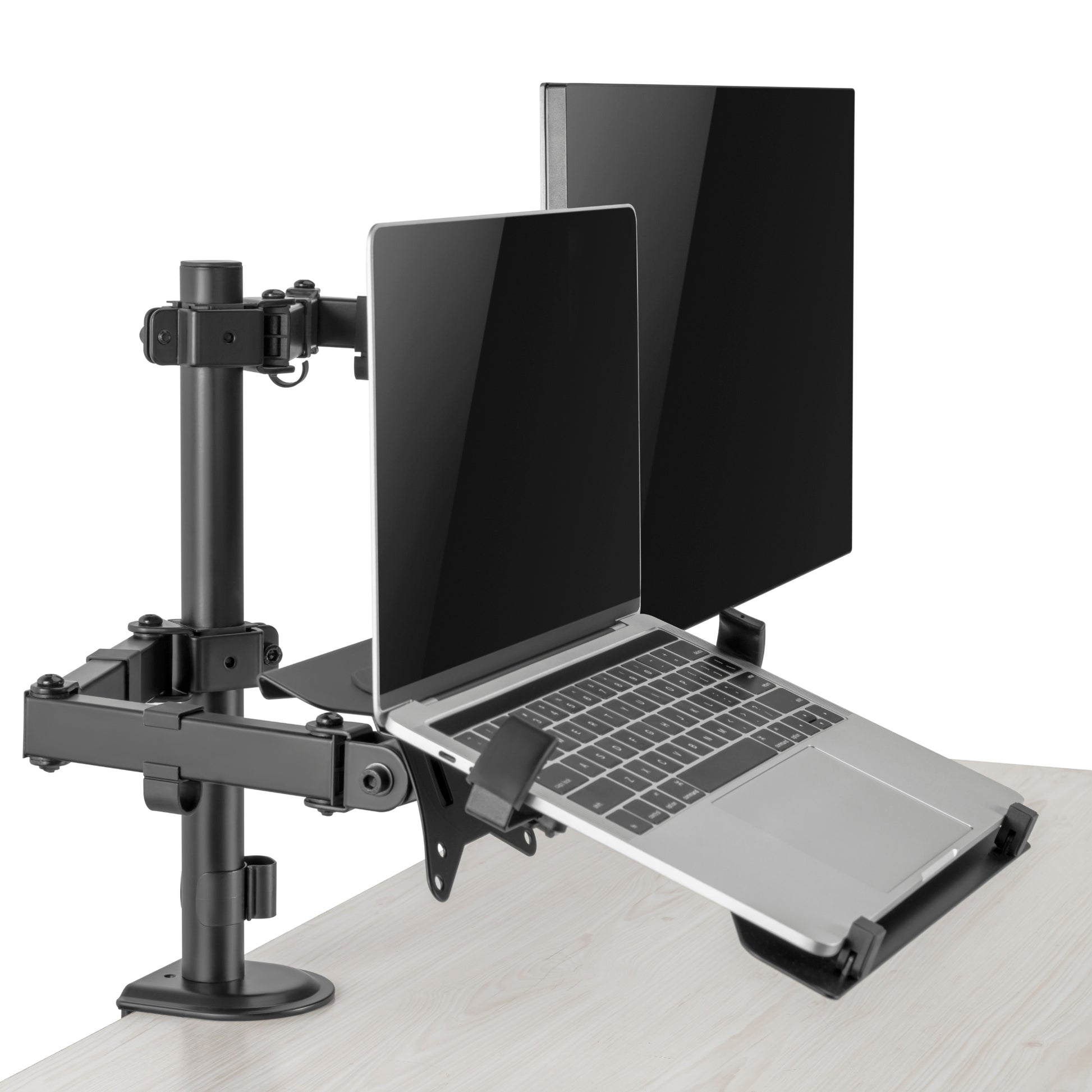
- Use a laptop stand to match the laptop screen height to the external monitor.
- Use a monitor riser under the external monitor for consistent eye level.
Desktop monitor user
- Choose a monitor riser to elevate screens and free desk space underneath.
- Consider a riser with storage for documents and small devices.
Portable setups and travel
- Pick a folding laptop stand that balances weight and durability.
- Monitor risers are less portable and better for fixed desks.
Dual monitor or multi-monitor setups
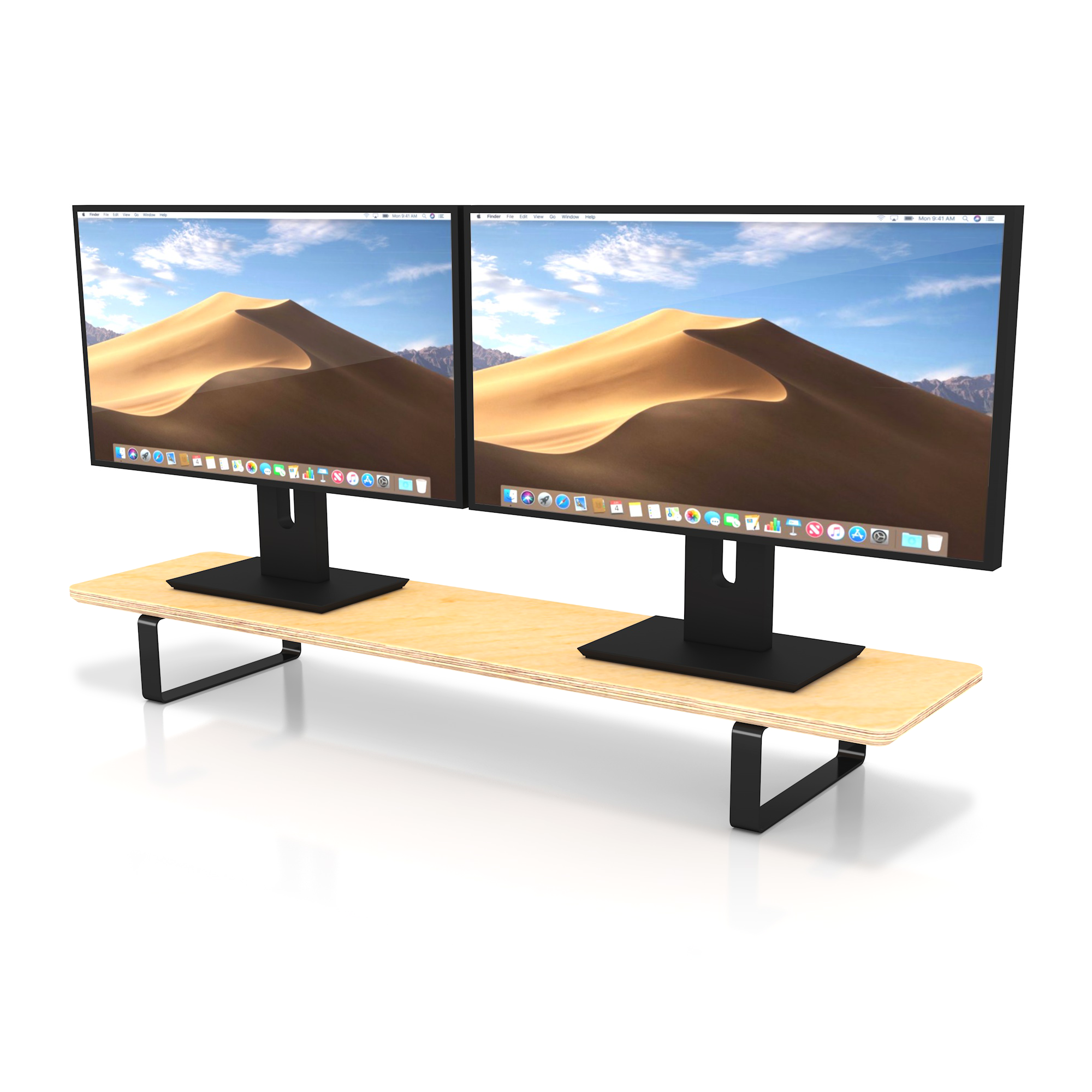
- Use risers that provide consistent height across all monitors.
- A laptop stand can serve as one of the elevated screens when needed.
Benefits and limitations of each
Laptop stand
- Benefits: lightweight, improves laptop screen height, boosts cooling, portable.
- Limitations: often requires external keyboard, may not support heavy accessories, less useful if you use a full desktop monitor.
Monitor riser
- Benefits: stabilizes larger monitors, adds desk storage, keeps keyboard at ergonomic height.
- Limitations: not designed for thin laptop bodies, less portable, can be bulky.
Shared concerns
- Stability matters. Cheap stands or risers can wobble and cause distraction.
- Weight capacity is key for larger monitors. Check specs before buying.
How to choose: a practical decision guide
Decide by your primary device and tasks. Ask yourself simple questions to choose between a laptop stand vs monitor riser.
Checklist
- Primary device: laptop or external monitor?
- Portability need: travel or fixed desk?
- Typing style: laptop keyboard or full external keyboard?
- Space needs: want storage under the screen?
- Budget and durability: cheap plastic versus metal build?
Quick decision rules
- If you use only a laptop and travel a lot, pick a lightweight laptop stand.
- If you use a desktop monitor or want desk storage, choose a monitor riser.
- If you use both, combine a laptop stand with a monitor riser for matching heights.
Buying tips
- Measure screen height and riser lift range before purchasing.
- Look for non-slip pads and sturdy materials.
- Check weight limits for monitors and laptop size compatibility.
Real-world experience and hands-on tips
I once set up a client who used a laptop and two monitors. They had neck pain after long calls. I raised the monitors on risers and put the laptop on a stand with an external keyboard. The result was immediate: fewer breaks from neck stiffness and better focus.
Lessons I learned
- Match heights. Misaligned screens cause more strain than you think.
- Don’t skimp on build quality. A wobbly riser is worse than none.
- Think about airflow. Laptops on soft surfaces can overheat; stands help.
Practical setup steps
- Place the top of your primary screen at eye level.
- Keep the keyboard and mouse within easy reach without stretching.
- Use a document holder or riser for papers to avoid constant neck movement.

Common quick questions inside the article
Can a laptop stand replace a monitor riser?
A laptop stand can replace a riser only if you use the laptop screen as your main display and pair it with an external keyboard. For heavy, large monitors, a dedicated monitor riser is more stable.
Will a monitor riser improve laptop cooling?
A monitor riser under a laptop may help by lifting the device off the desk, but a purpose-built laptop stand usually improves airflow more effectively. Use vents and an open design for best cooling.
Do I need an external keyboard with a laptop stand?
Yes, most laptop stands raise the screen and make built-in typing uncomfortable. An external keyboard preserves ergonomic hand and wrist position.
Frequently Asked Questions of laptop stand vs monitor riser
What is the main difference between a laptop stand vs monitor riser?
The main difference is purpose: a laptop stand lifts and angles a laptop, while a monitor riser raises external monitors and often adds storage. Each is built for different device sizes and stability needs.
Which is better for neck pain, a laptop stand or a monitor riser?
Either can help neck pain if used correctly, but a monitor riser often offers better stability for large screens. For laptop users, a stand plus external keyboard provides the best ergonomic fix.
Can I use both a laptop stand and a monitor riser together?
Yes, using both can create a matched multi-screen setup and improve posture. Make sure heights align to avoid neck rotation between screens.
Are adjustable monitor risers worth it?
Adjustable risers add flexibility for different tasks and users. They are worth it if multiple people use the desk or you switch between sitting and standing.
How do I measure the right height for a riser or stand?
Measure so the top third of the screen is at eye level when sitting or standing. Account for chair height and monitor tilt when choosing lift range.
Will a laptop stand damage my laptop?
A good laptop stand will not damage your laptop if it fits properly and allows ventilation. Avoid stands that block vents or create pressure on thin areas.
Are wooden risers better than metal ones?
Wood risers can look nicer and add storage, while metal stands are often lighter and more portable. Choose based on durability, desk style, and weight needs.
Conclusion
Choosing between a laptop stand vs monitor riser comes down to your devices, work style, and comfort needs. Match the tool to your main screen, prioritize stability, and measure before you buy. Try pairing a laptop stand with an external keyboard, or pick a riser if you use large monitors.
Take action today: adjust your screen height, test a simple riser or stand, and notice how small changes reduce pain and boost focus. Share your setup or questions below, or subscribe for more hands-on desk gear tips.